In this article, I’m going to walk you through how to get UGC (User-Generated Content) jobs or work as a video presenter or spokesperson. If you’re curious about how to get started, where to find these jobs, and how the process works step by step, you’re in the right place.
Understanding the Market: You’re Not the Right Fit for Every Job—and That’s Okay
Before you start applying or searching for jobs, there’s one thing you need to understand: UGC and video presenting jobs are often based on casting—just like in film or TV.
Companies aren’t just looking for a presenter—they’re looking for a certain character type to represent their brand. This could mean a specific gender, age range, or personality.
You can’t represent every product or service—and you’re not supposed to.
But the good news is, there are many different products, services, and niches out there—so chances are, somewhere, there’s something looking for someone like you.
If you happen to have a very unique look or voice, you might have an edge. But if you’re “average-looking” (like me), don’t worry—it’s still very possible to land jobs. I’ve done it, so I know it works.
You Can Act the Role
Sometimes, job posts won’t list any strict character traits. For instance, you might come across something like:
“Looking for a charismatic video spokesperson.”
Now, the great thing about that is—“charismatic” doesn’t have to be your default personality. It’s a role. If you’re an actor or just naturally good at adapting on camera, you can act charismatic.
The same applies to other traits: authoritative, funny, formal, childish, quirky, etc.
So even if you’re naturally introverted, but you can act confident and deliver well on camera—you’ve got a shot. Many of these jobs are about performance, not personality.
Where to Find UGC or Video Presenting Jobs
1. Freelancer Platforms
The main platforms you’ll want to look at are:
- Upwork
- Fiverr
Each of these has a slightly different system. I’ll focus mostly on Upwork, because that’s what I use the most—and I’ve been using it for over 7 years. But I’ll also touch on the others.
Getting Started on Upwork

Upwork is, in my opinion, one of the most secure and professional freelancing platforms out there. Here’s how to get started:
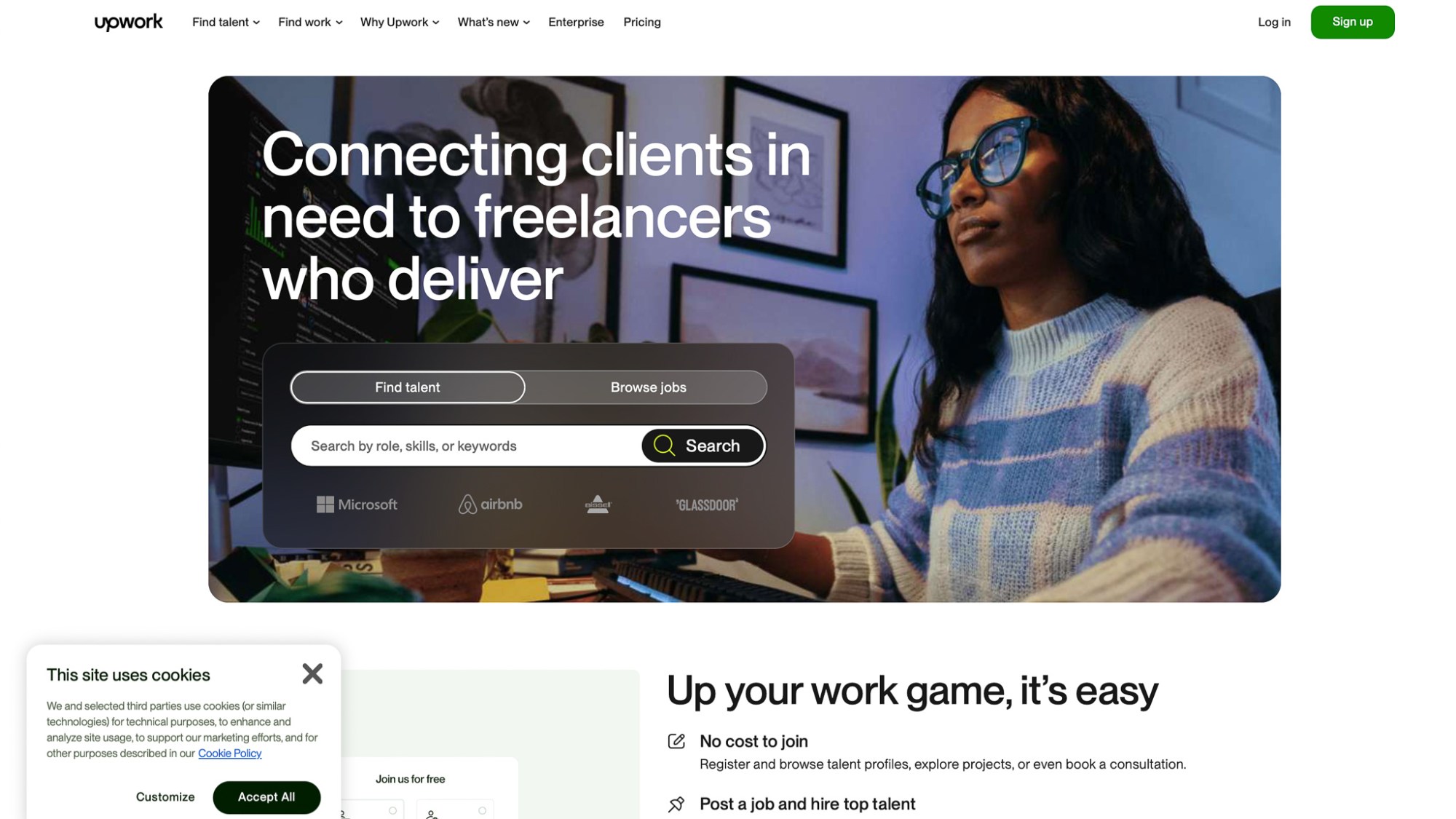
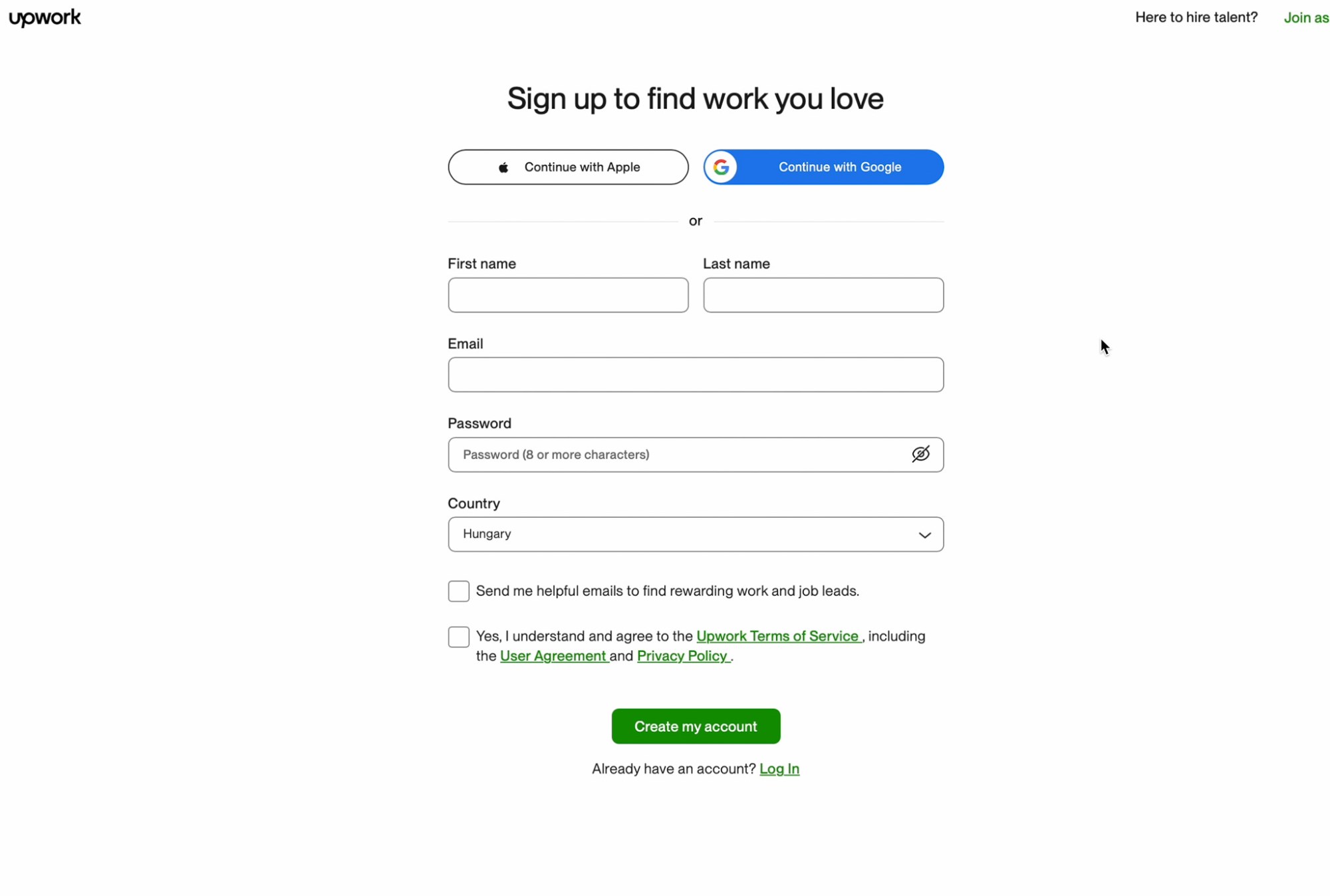
Step 1: Sign Up & Verify
Create an account and complete the sign-up process. This includes:
- Providing personal details
- Uploading identification documents
- Doing a quick video or audio verification (you just confirm the info you already submitted)
It’s straightforward nothing to be worried about.

Step 2: Build Your Profile
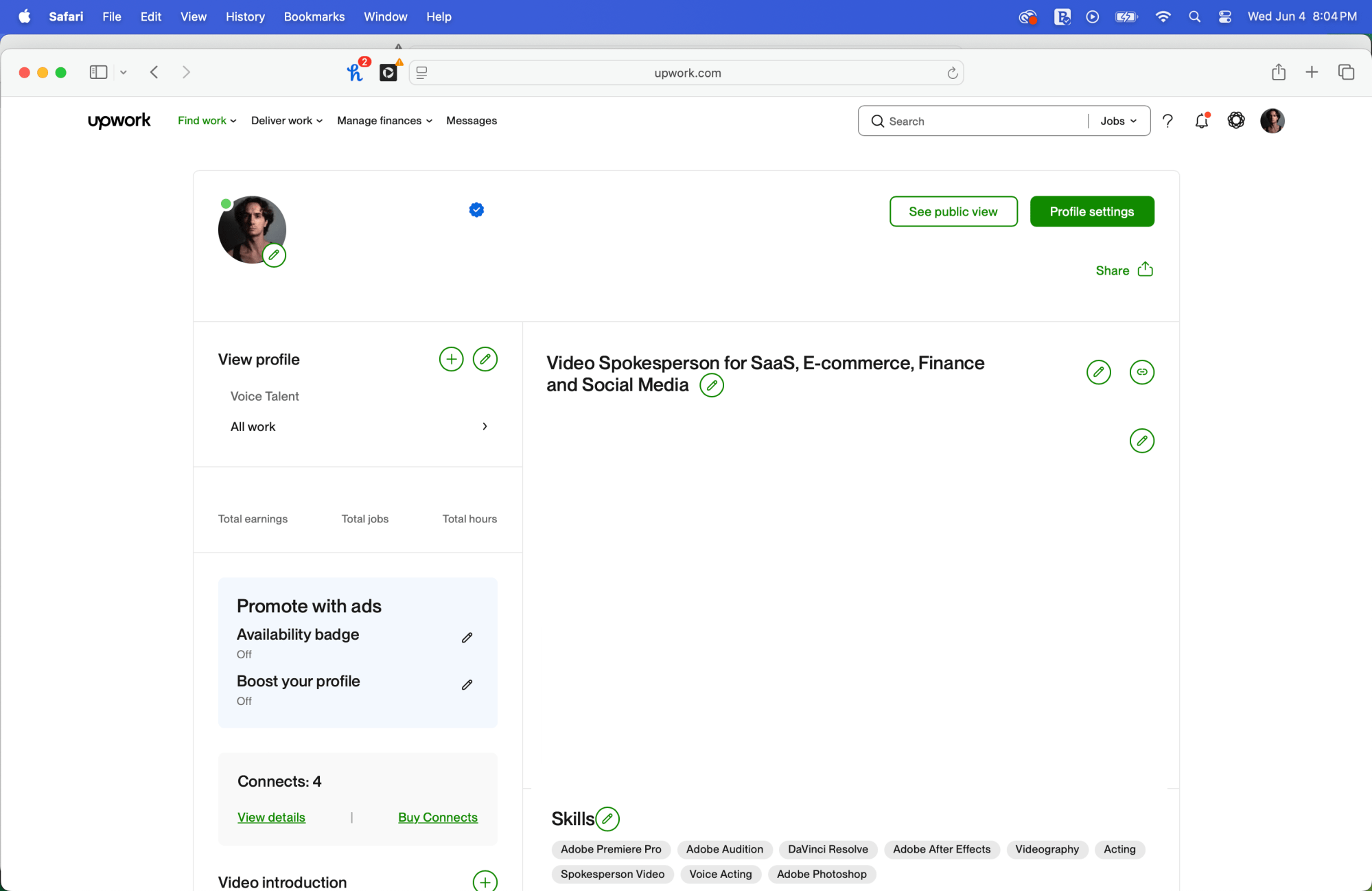
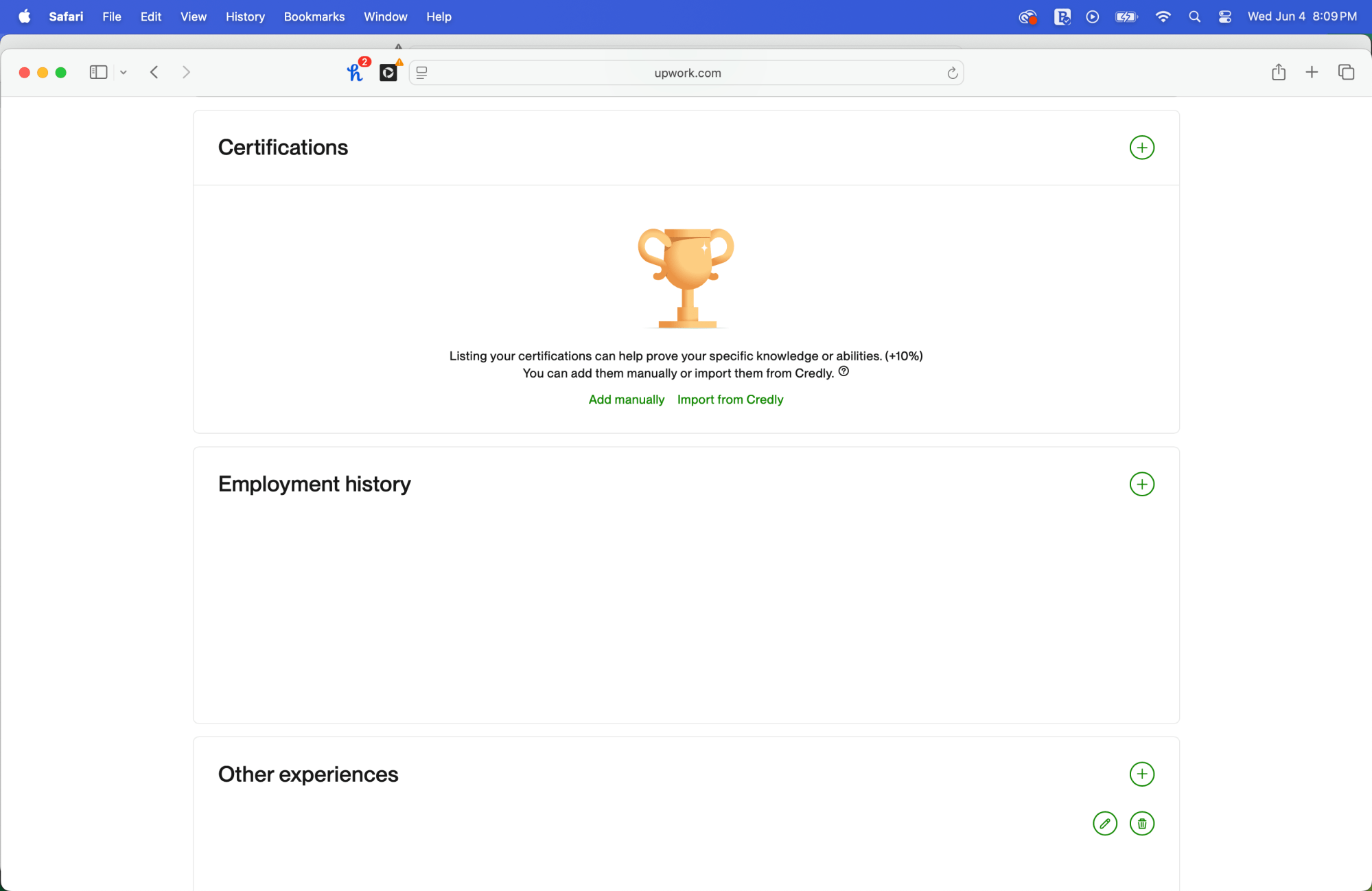
Once your account is approved, start crafting your profile. This is key.
You can:
- Upload profile photos
- Write a bio
- Add your skills (e.g. video presenting, editing, voice acting)
- List certificates (language exams, editing courses, etc.)
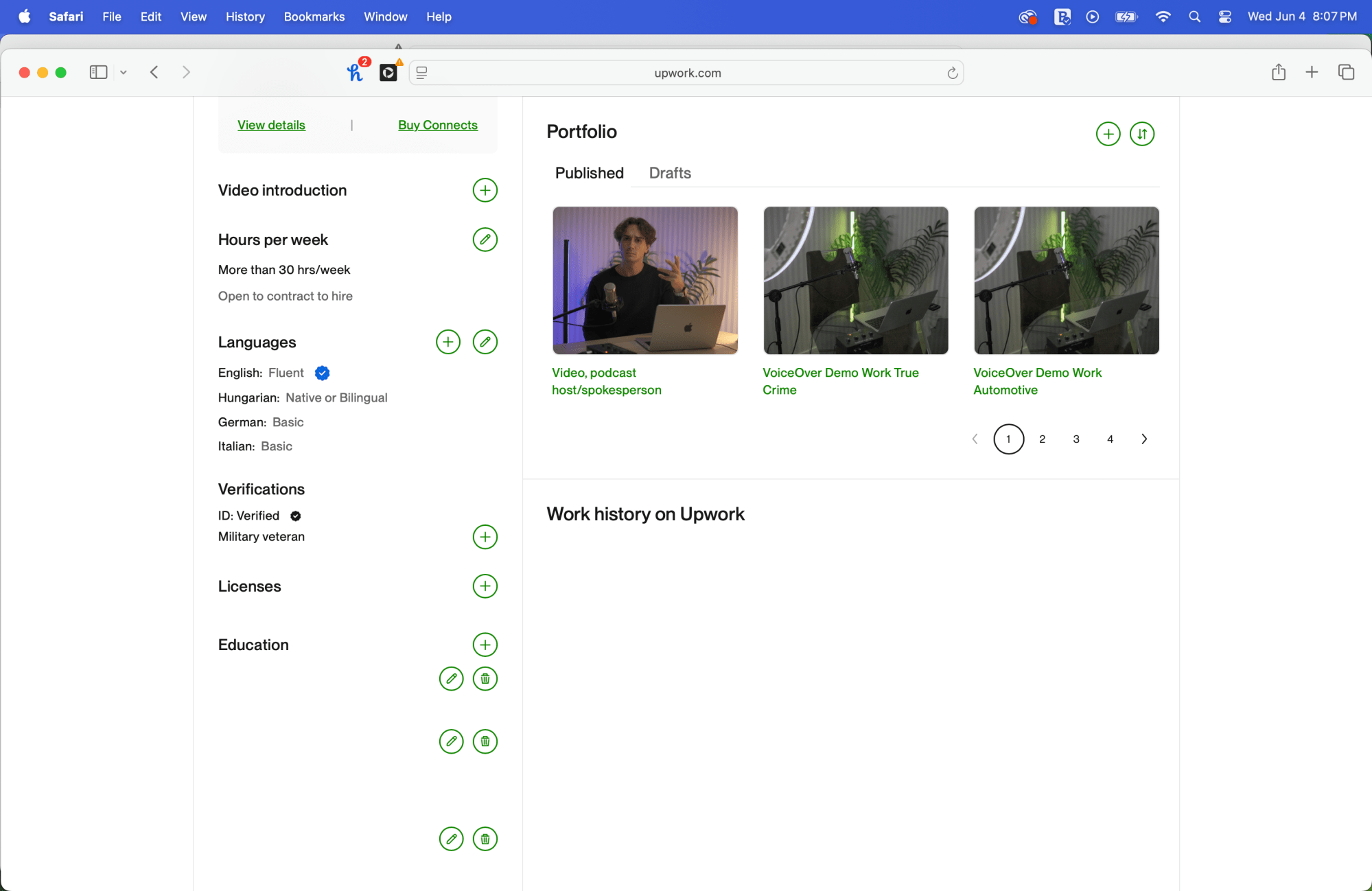
- Upload past projects (even if not from Upwork)
- Add a portfolio (with images, intro videos, sample footage)
If you’re new, include anything relevant:
For example, when I started, my portfolio was made of videos from my YouTube channel—skits, sketches, edits I’d done myself. That was enough to get jobs.
Step 3: Set Your Niche
Select the job categories you’re interested in—this determines what shows up in your job feed. For example:
- UGC video creation
- Video editing
- Voiceovers
- Video spokesperson work

Step 4: Apply to Jobs Using Connects
To apply to a job on Upwork, you need to spend Connects—tokens you use to submit proposals.
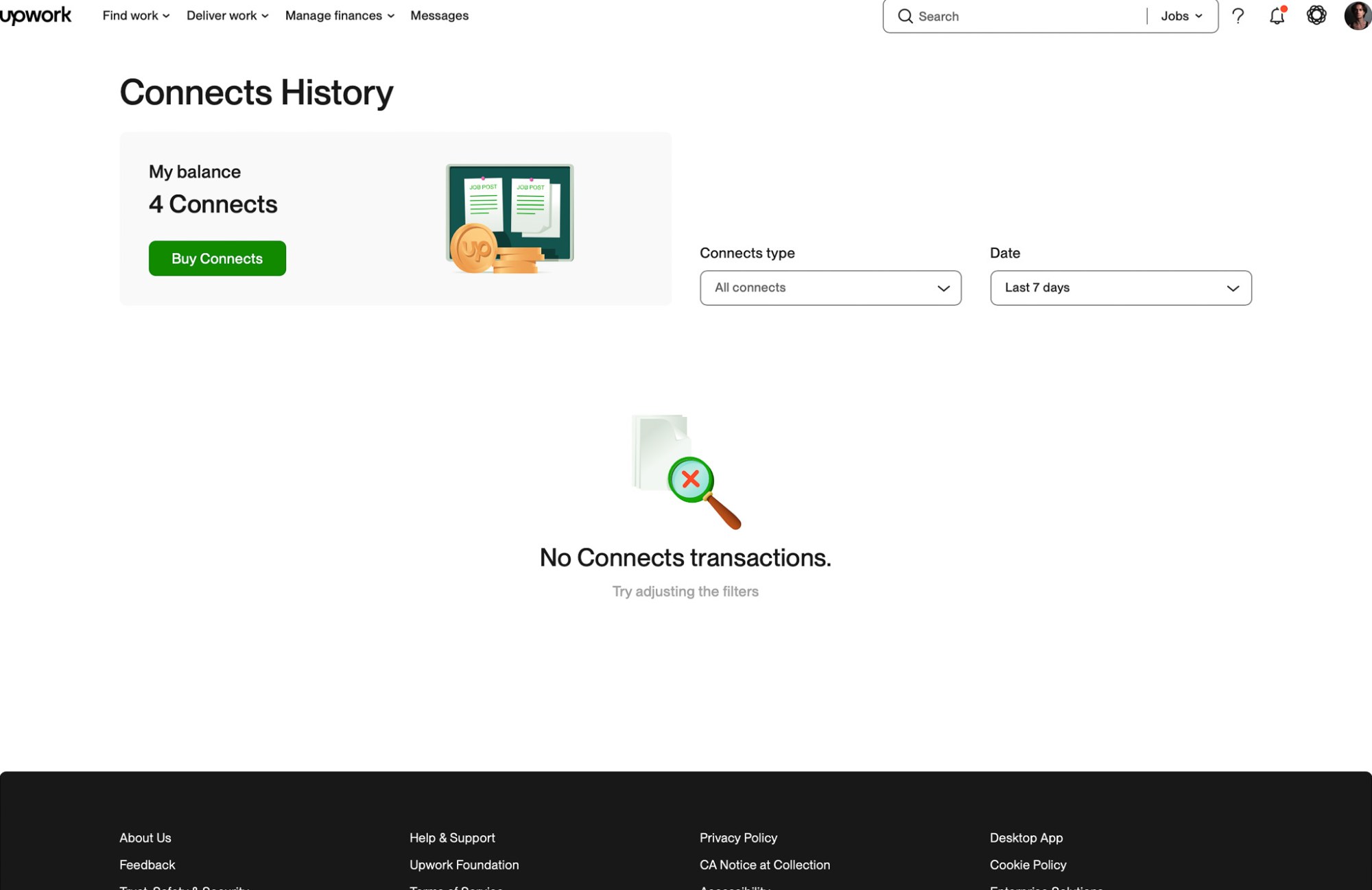
In the free subscription you can buy these for $0.15 (at the time of the article) or you can upgrade to pro where you get a 100 Connects each month along side other benefits.
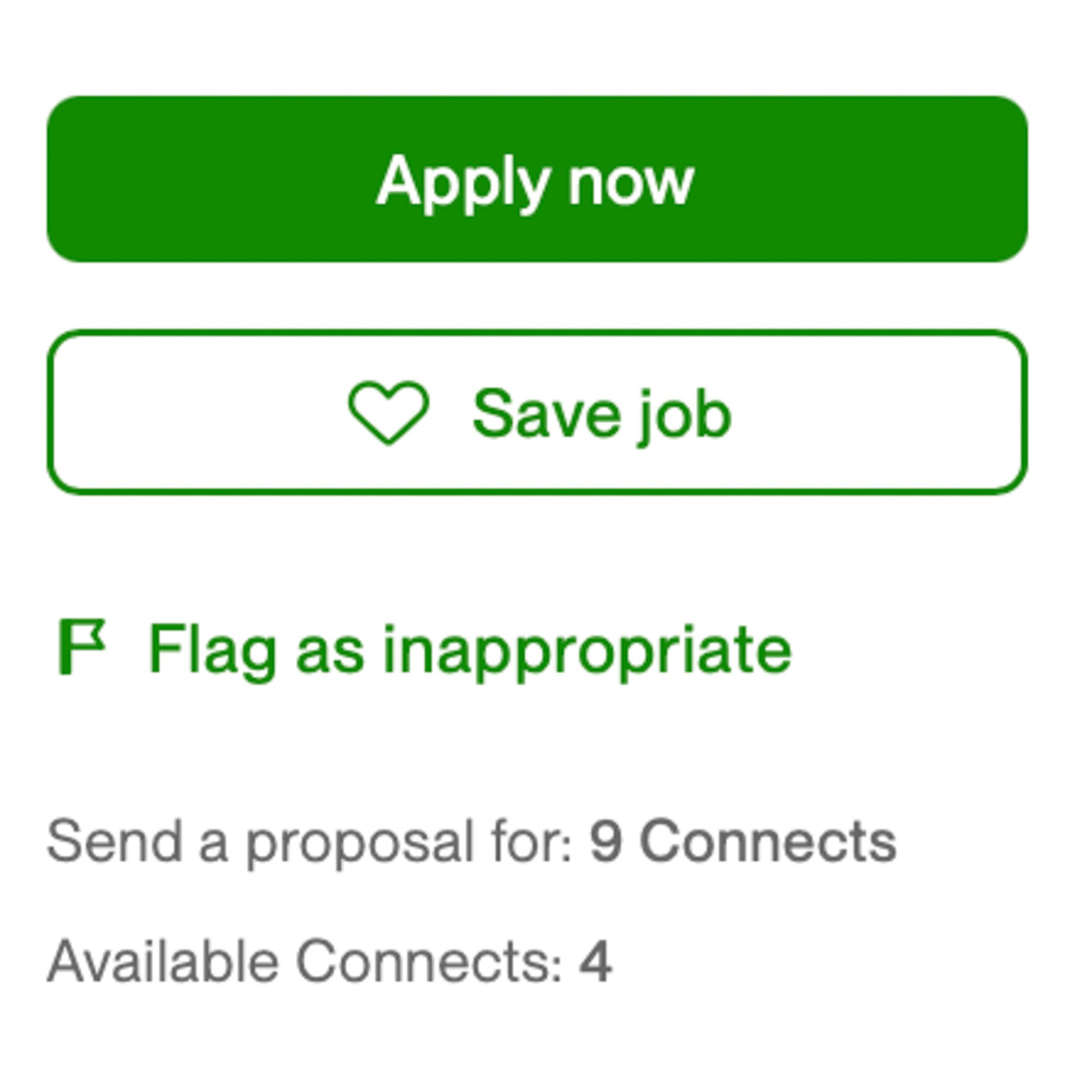
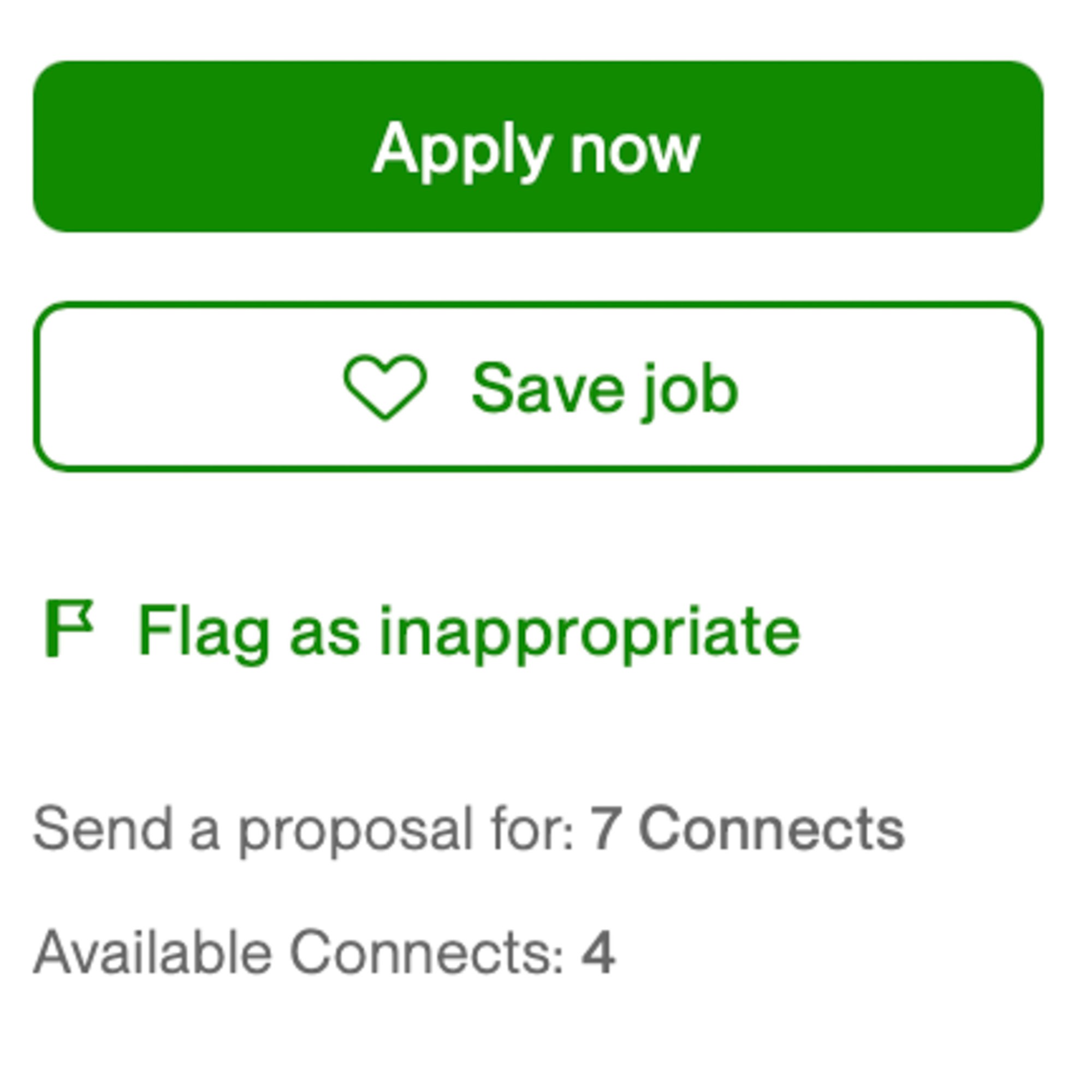
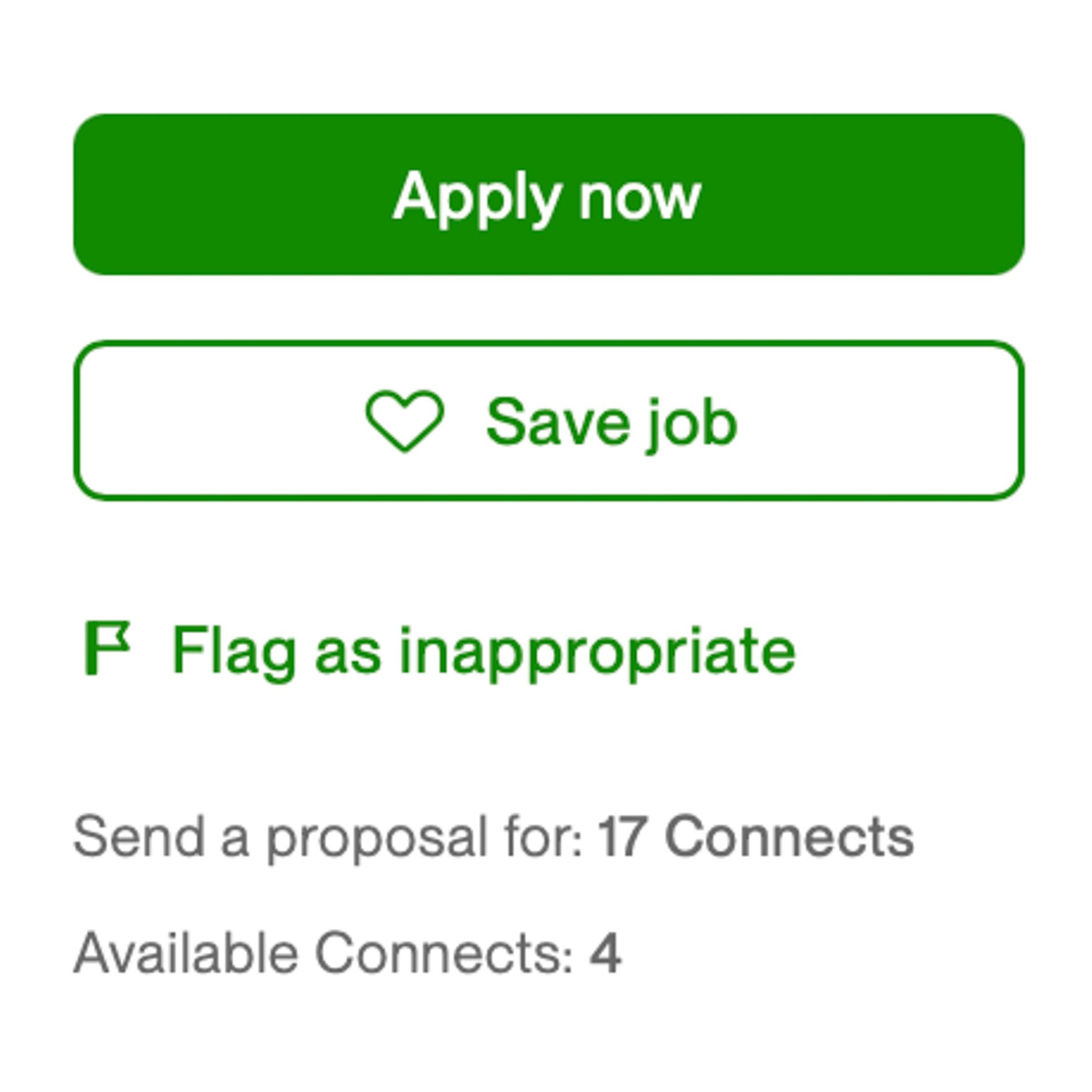
Each job will cost a few Connects to apply to, and you can choose to boost your proposal by spending extra so it appears higher in search results.
When applying:
- Read the job post carefully
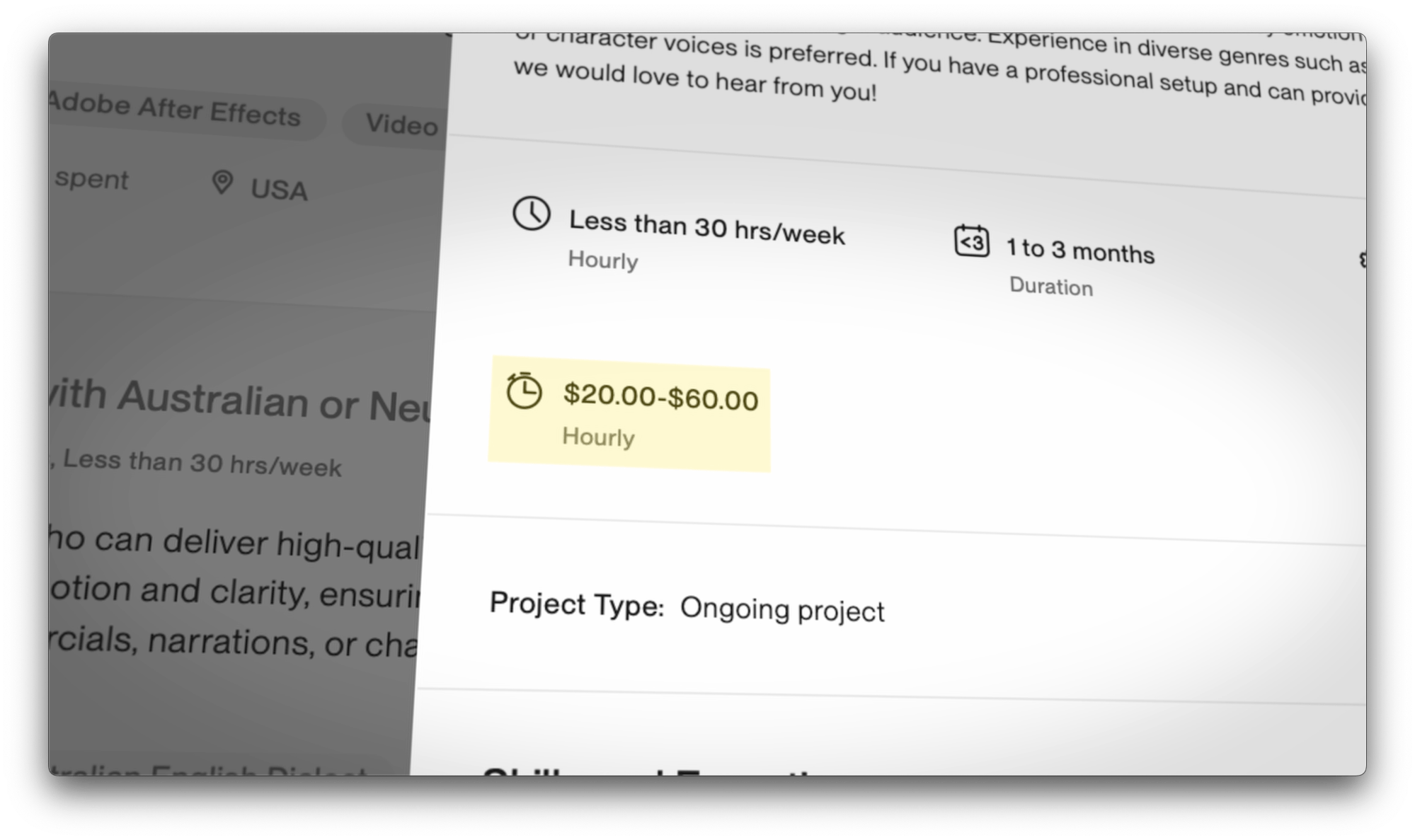
- Check their budget (or if they want to discuss)
- Click “Submit Proposal”
- Write a cover letter (talk about your experience, why you’re a good fit, share relevant links)
- Propose a fee or hourly rate


Often, you won’t get a response—and that’s normal. It’s like auditioning for acting roles: you apply to many to get a few. But over time, you’ll start landing jobs.
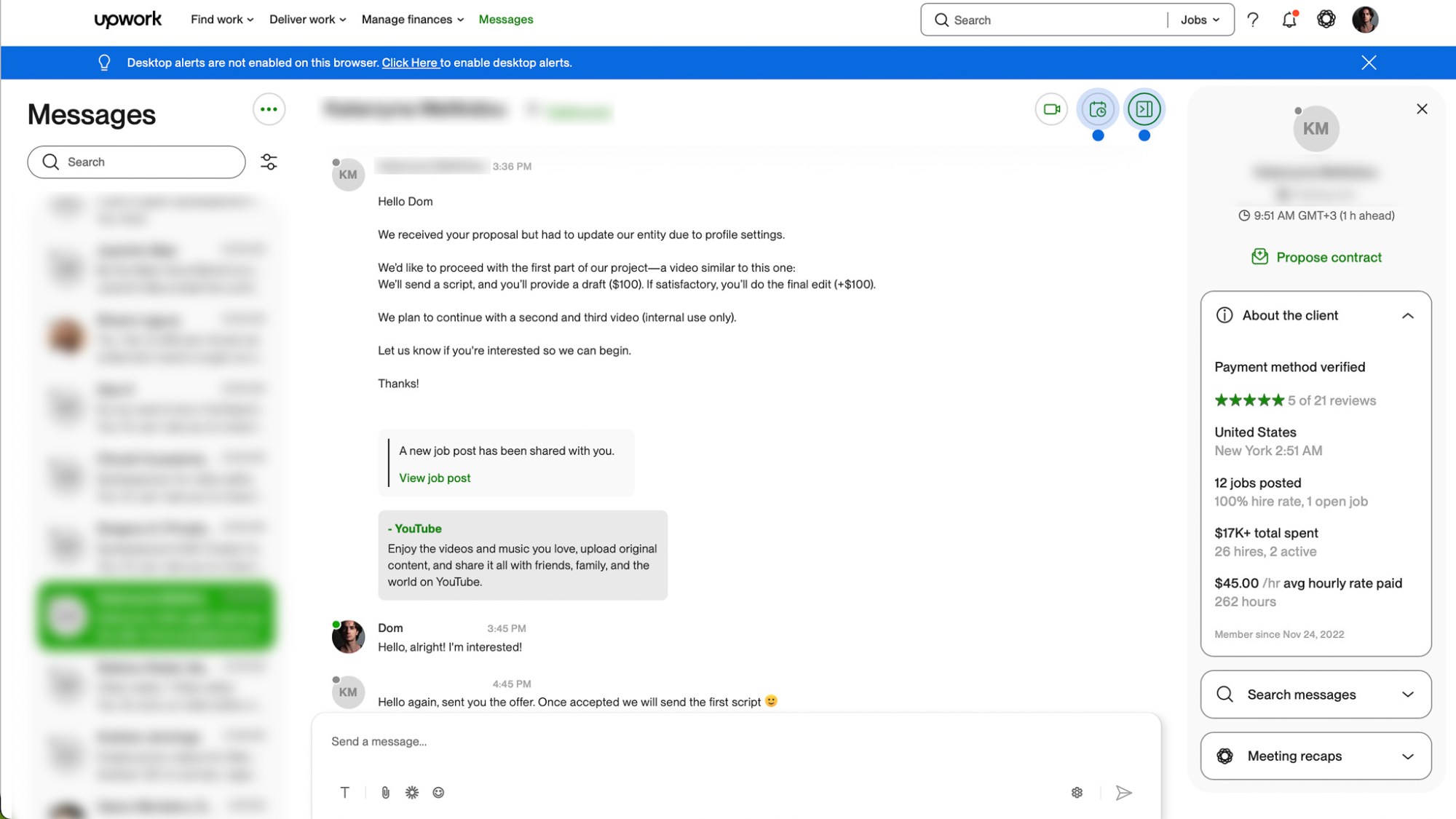
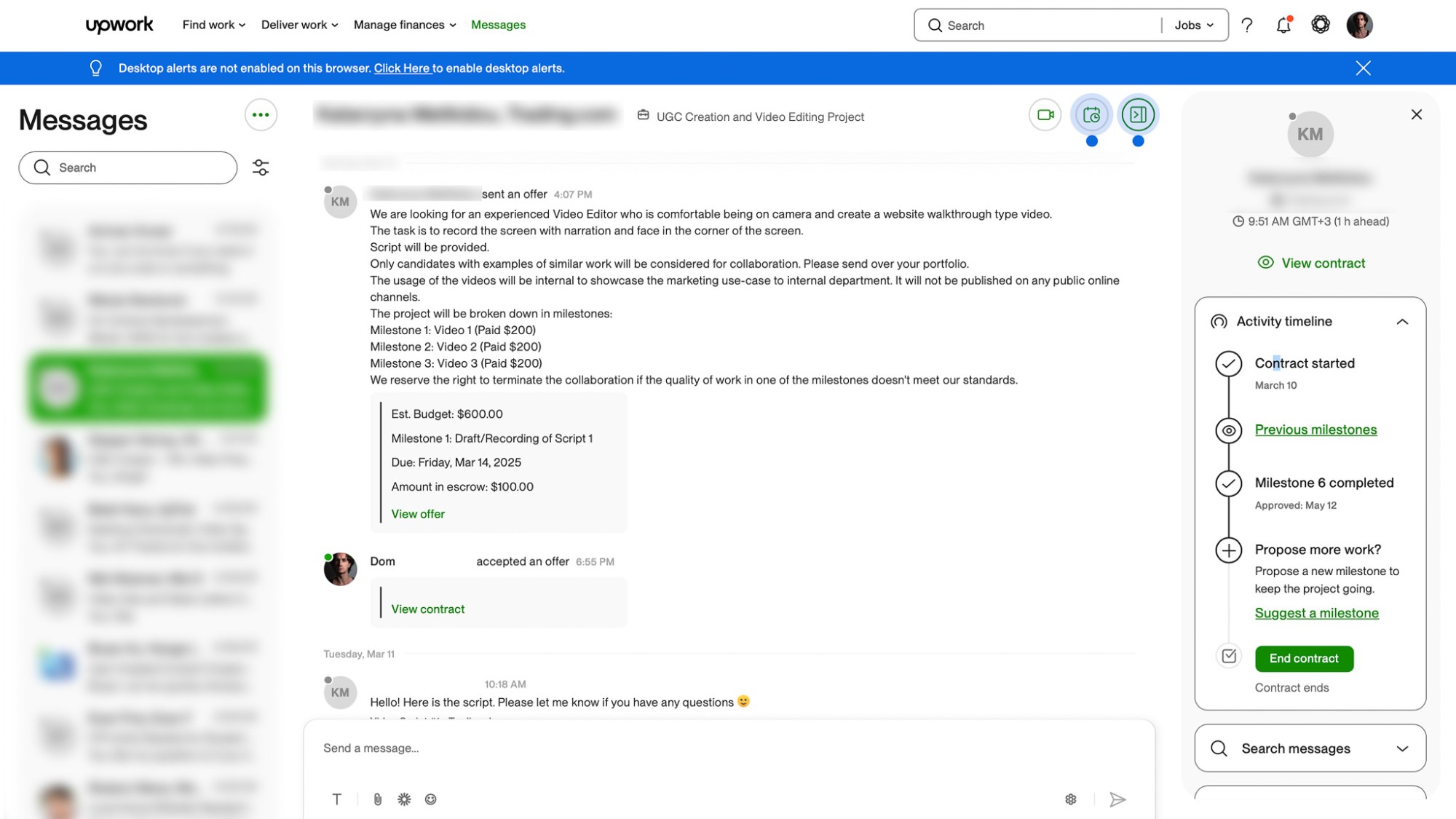
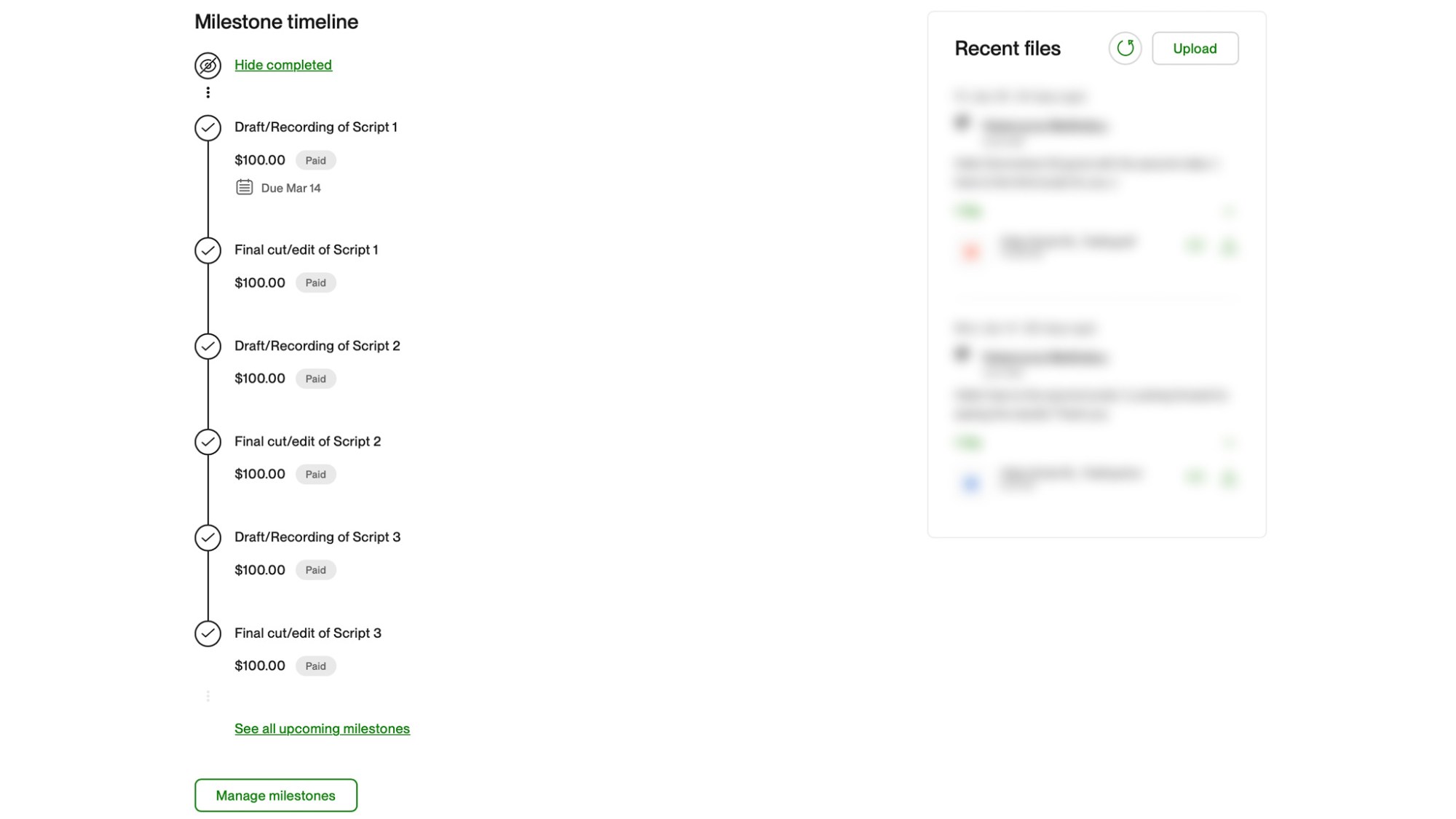
Once you get a few good reviews, it becomes easier.
Step 5: Get the Job, Complete It, Get Paid
If the client responds:
- You’ll discuss the job in more detail
- They may send a script or brief
- Once agreed, they’ll start a contract
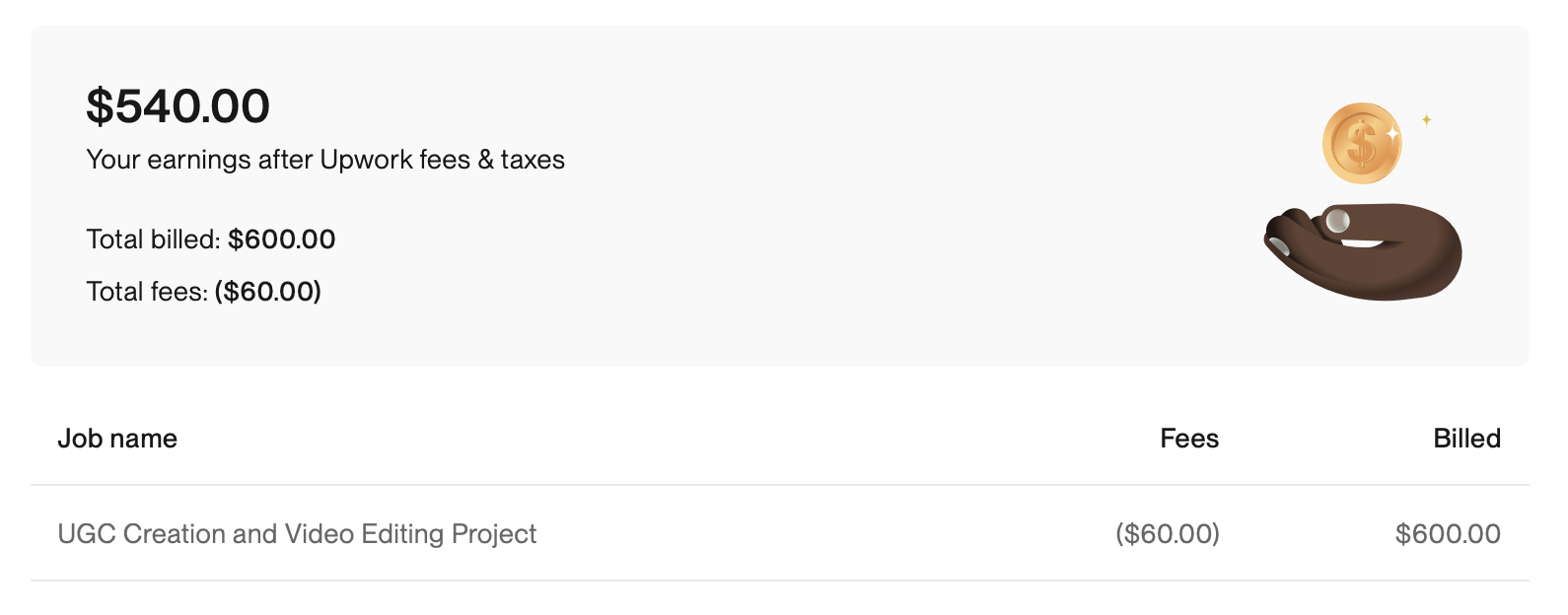
You complete the work, submit it, and they release the payment. You can withdraw funds to your bank account, PayPal, or other supported platforms.
A Note on Gigs vs. Proposals
Upwork also lets you set up pre-defined gigs or service packages—e.g., a $100 UGC video offer. Clients can purchase this directly without a long conversation.
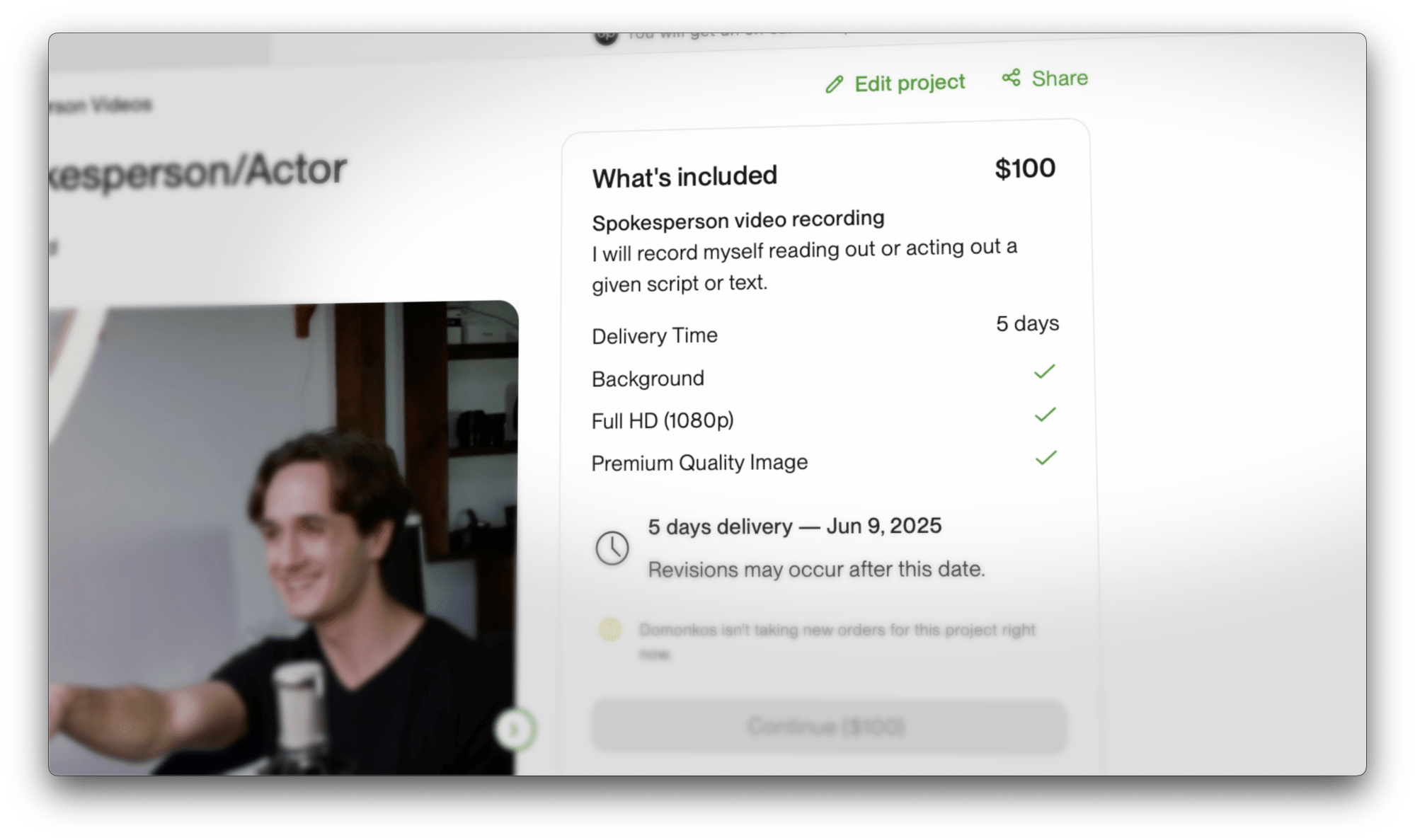
Personally, I don’t use these. I prefer to tailor my pricing based on the project. But if you like set pricing—it’s an option.
A Quick Word on Fiverr

I’m also on Fiverr, though I rarely use it. Fiverr is almost the opposite of Upwork:
- You create gigs (your offers)
- Clients browse and buy—like a shop
- You can offer packages, upsells, and extras
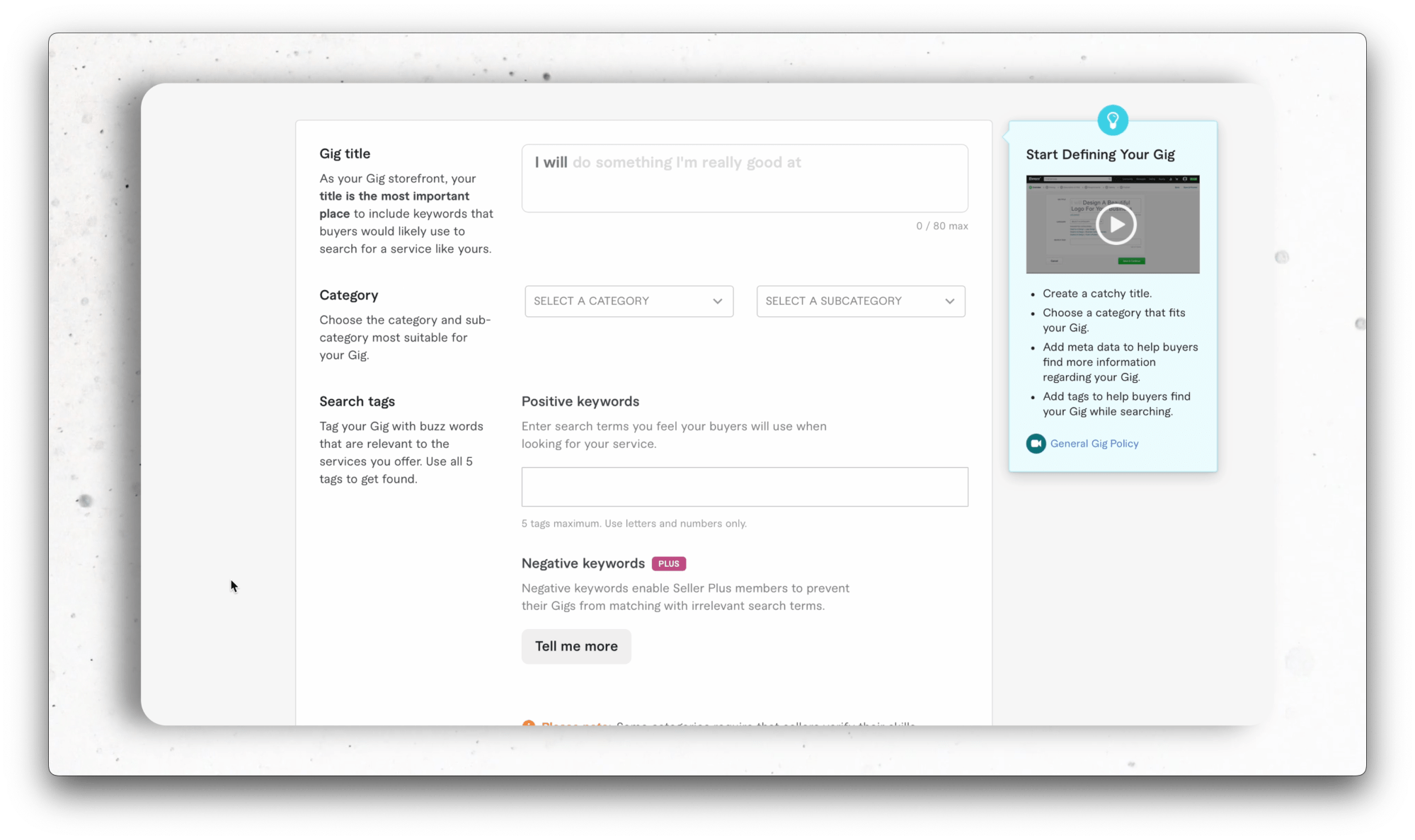
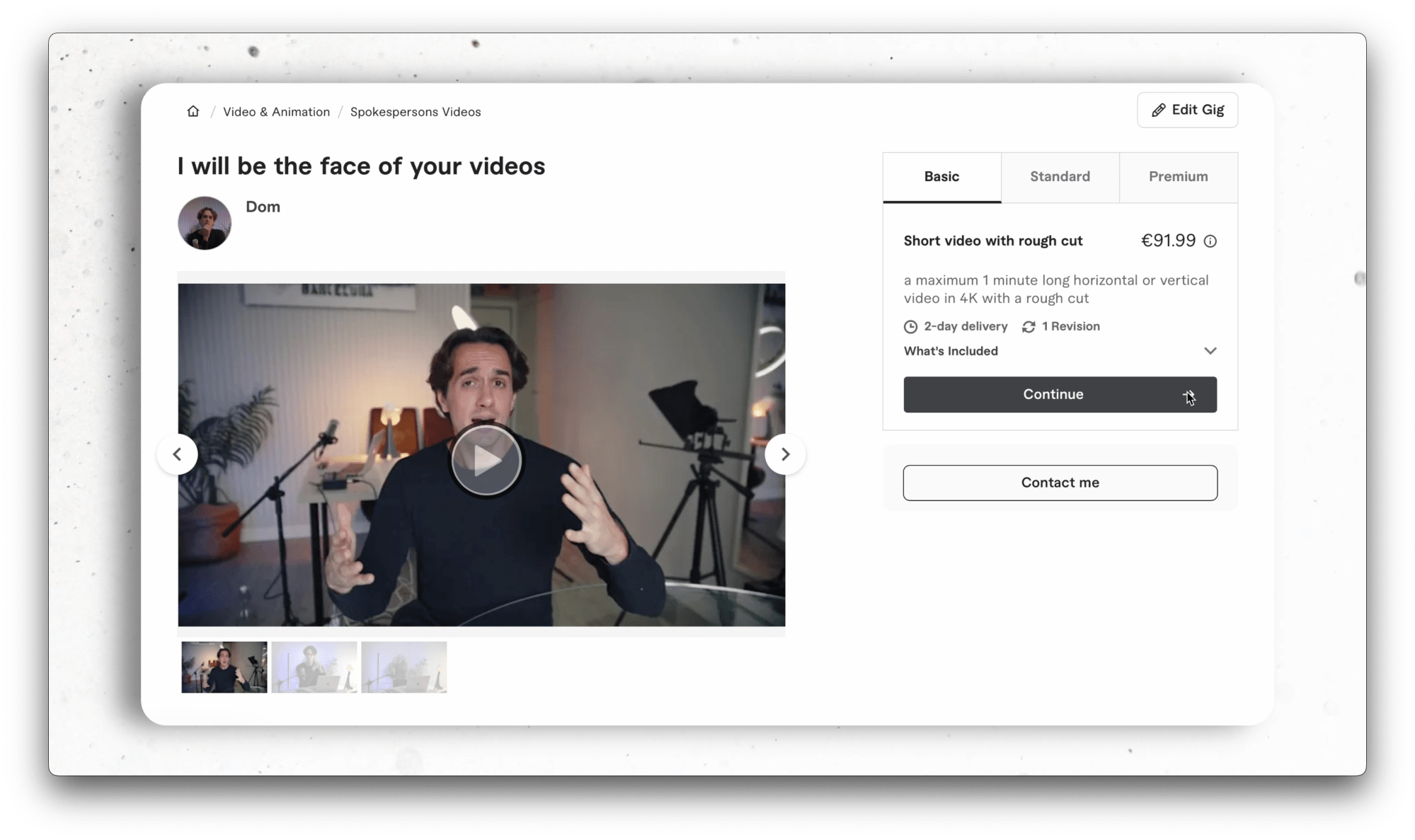
It works really well for many people, and it’s great for jobs that can be standardized (like logos, voiceovers, or quick videos). But for me, managing two platforms is too much work—and I prefer Upwork.
Also, in my experience, Fiverr is riskier. When I updated my gig recently, I got tons of “inquiries” that turned out to be scams—people trying to get my personal info.
This has never happened to me on Upwork. So while Fiverr can work—it’s less secure in my opinion.
Casting Platforms
There are also casting-specific platforms, like Backstage. I’m registered there too.
Backstage posts:
- Acting jobs
- Modeling jobs
- Voiceover gigs
- Creator/UGC calls
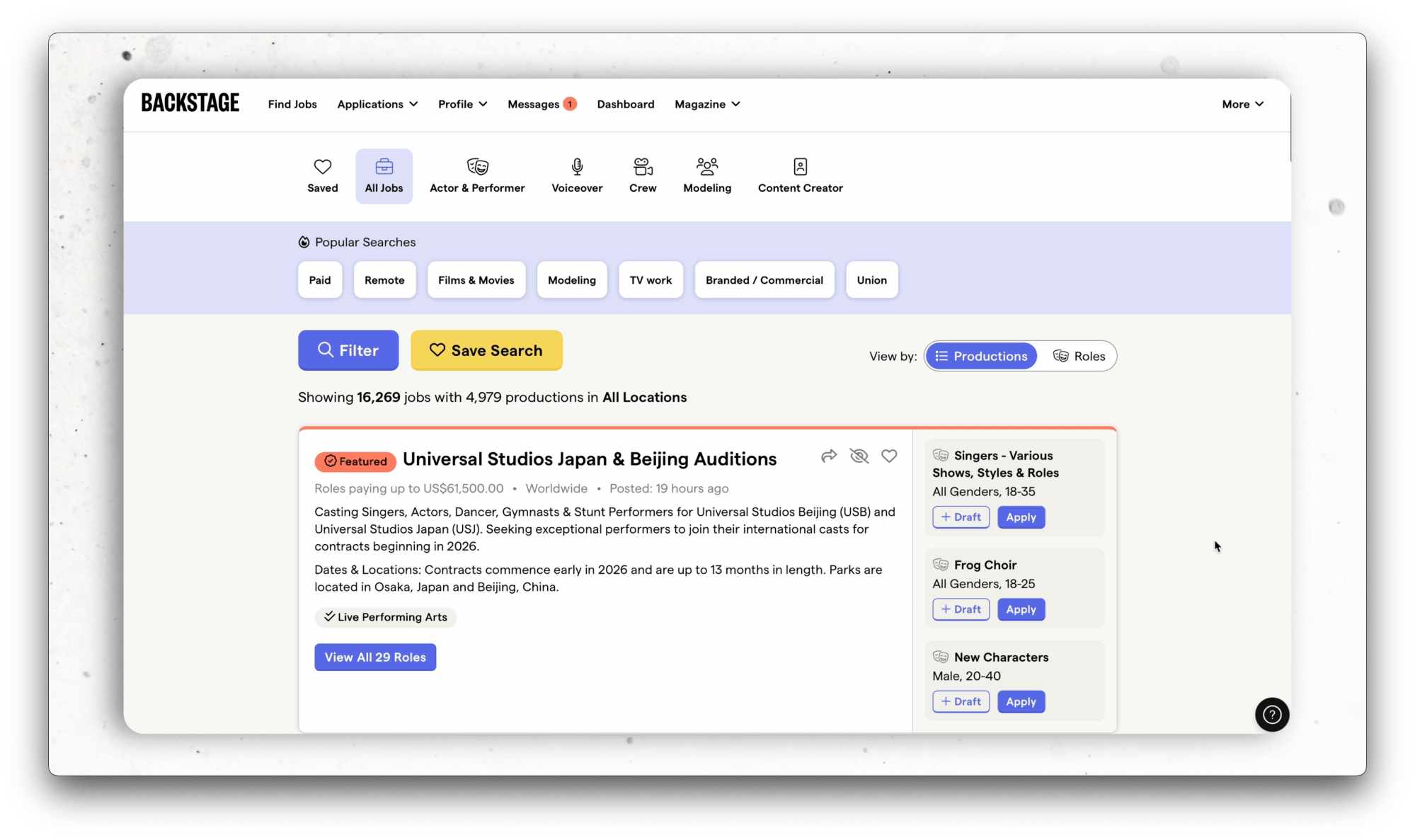
It’s legit, but often more location-specific. Some posts require you to be in the US, or in a certain city. I’ve never booked a UGC job through Backstage—but it’s worth checking out.
Upwork, in contrast, is more international and remote-friendly.
Facebook Groups & Agencies
Don’t overlook Facebook groups in your country or language. In every country there are local groups for:
- Film jobs
- Acting jobs
- Ads and UGC castings
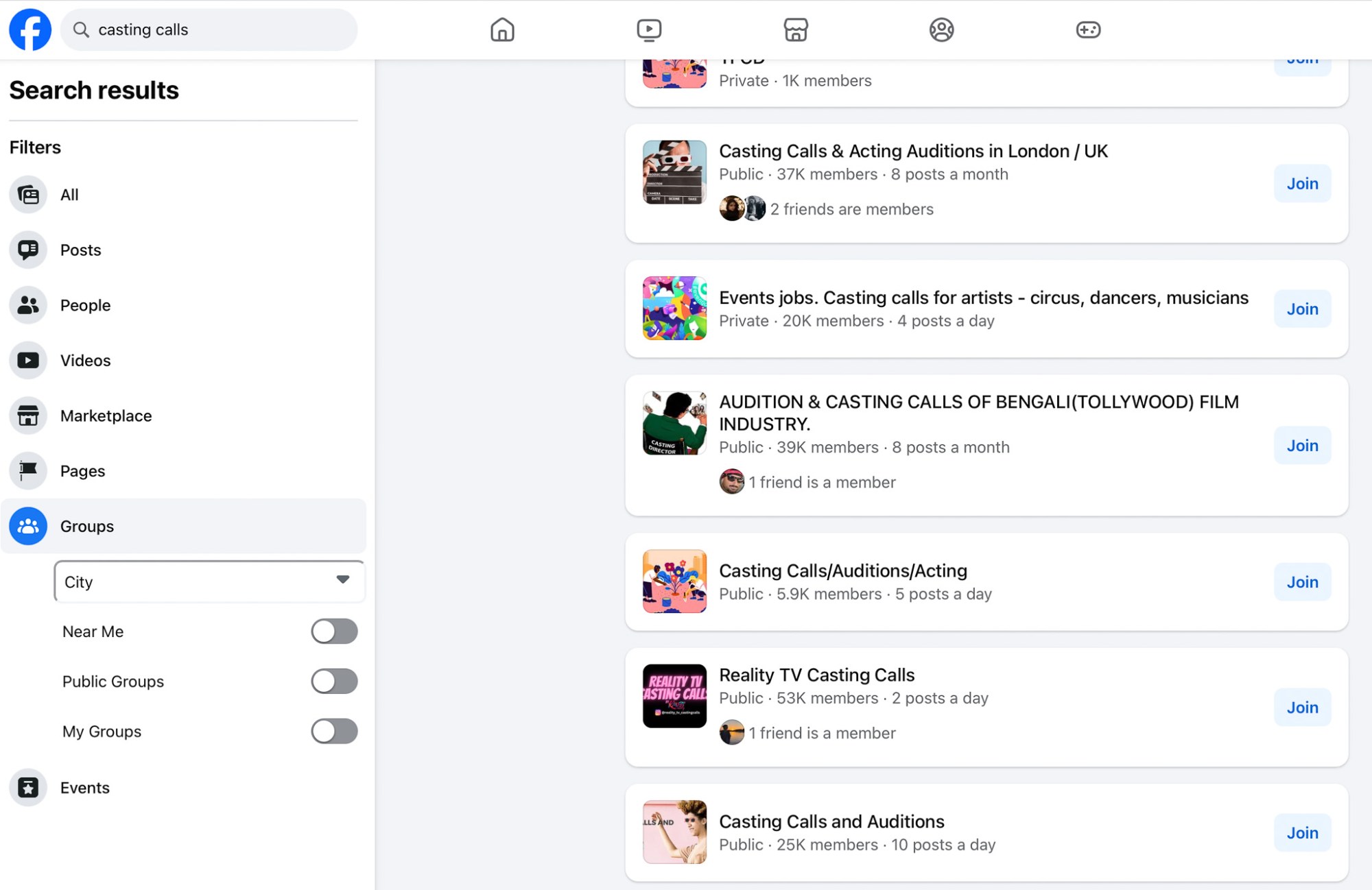
Agencies and production companies post casting calls here. Some UGC agencies also scout talent this way. If you see a company casting for creators, ask how to apply or get into their database.
Final Thoughts
Here’s a quick recap of where to look for UGC or presenter jobs:
- ✅ Upwork – professional, safe, flexible
- ✅ Fiverr – works well if you like fixed packages
- ✅ Backstage & other casting platforms – acting-focused, more regional
- ✅ Facebook groups – great for local casting calls and UGC gigs
- ✅ Agencies – some cast UGC creators directly
Personally, I recommend Upwork if you’re just starting out. That’s the platform I use and where I’ll continue to share more tips in future videos and articles.
And remember: start small, build references, and grow from there. Even if you begin with low-paid jobs, the experience and client reviews are incredibly valuable.
If you found this helpful and want to learn more about UGC video creation or video presenting, consider subscribing or following for more content. Thanks for reading—and good luck out there!




 Film Yourself Academy
You must be logged in to post a comment.